Blog
Motorola R7 Programming: How To Program Channels And Frequencies
I learned the hard way that programming a Motorola MOTOTRBO R7 isn’t like setting up a cheap walkie-talkie. After 15 years deploying radio fleets across manufacturing plants and security operations, I’ve seen how one wrong tone setting can silence emergency calls across an entire facility. This guide delivers battle-tested programming methods, cable selection, and the honest truth about when to call in professionals instead of risking your communication backbone.

Key Takeaways
- Programming is mandatory—R7 radios ship blank and require licensed Motorola CPS software to function
- Use only the PMKN4265A cable; older versions cause connection failures with newer firmware
- Front Panel Programming must be enabled in CPS before field adjustments are possible
- Self-programming risks FCC violations and silent communication failures; professional services eliminate these risks
- Always backup codeplugs before writing changes—corruption without a backup requires dealer recovery
Table of Contents
Motorola R7 Programming
I remember my first R7 deployment. I plugged in what I thought was the right cable, downloaded software from a sketchy forum, and bricked three radios before lunch. That expensive lesson taught me that MOTOTRBO R7 programming demands precision, proper tools, and respect for the process.
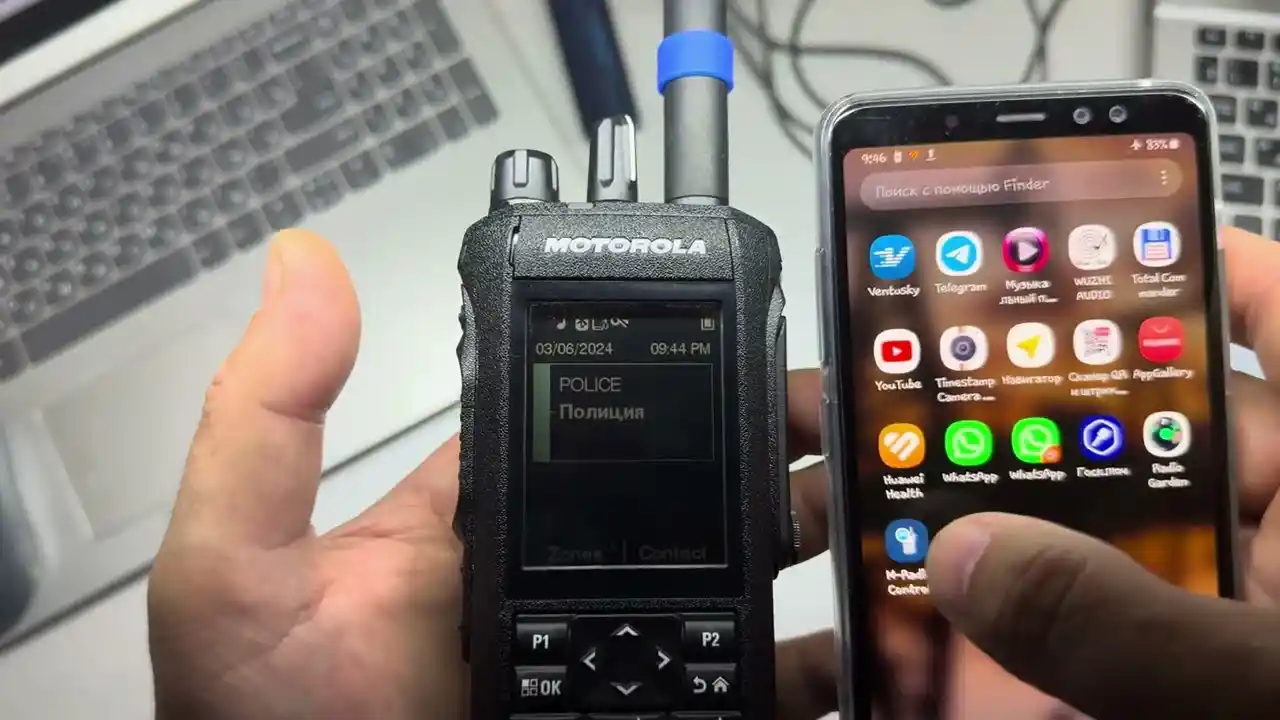
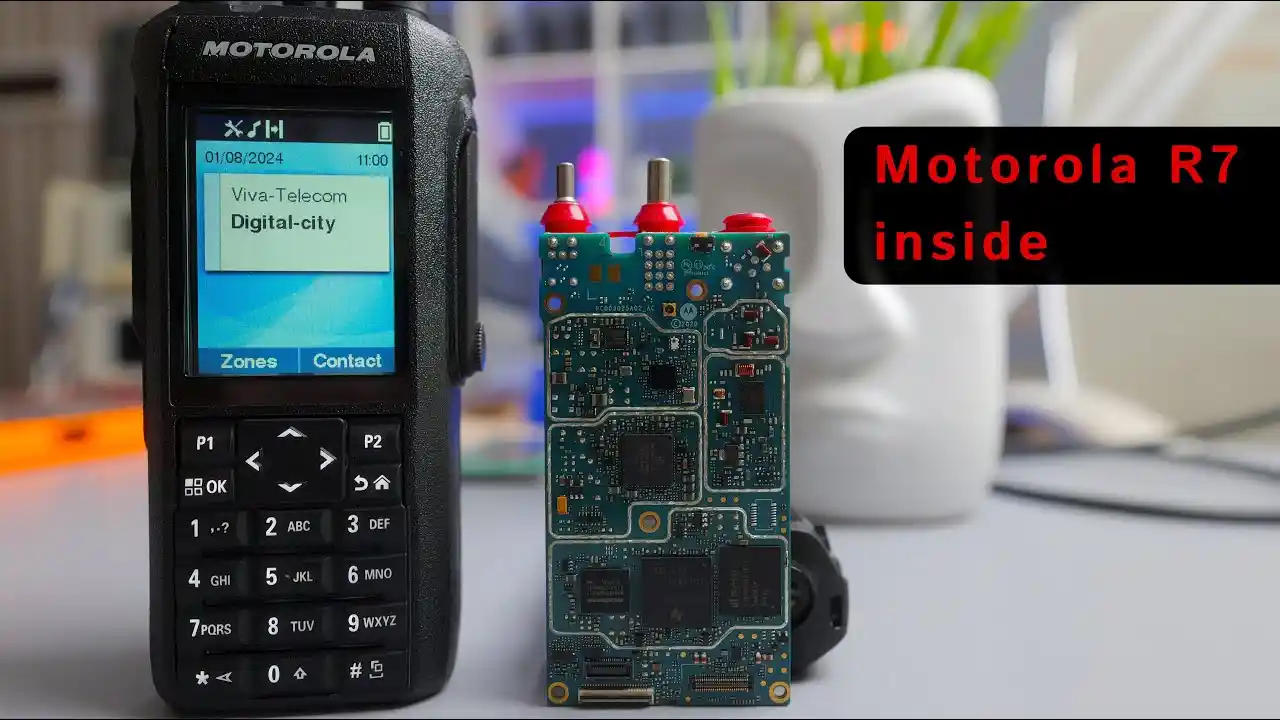
The MOTOTRBO R7 is a professional-grade digital/analog portable radio built for enterprise environments where communication failure isn’t an option. Unlike consumer radios with pre-set channels, every R7 arrives as a blank slate. Programming injects your licensed frequencies, talk groups, and operational parameters into the radio’s codeplug—the software brain that controls every function.
Here’s what I’ll walk you through: obtaining legal CPS software, selecting the correct cable, step-by-step programming instructions, channel setup, button mapping, and the critical decision point every fleet manager faces—self-program versus professional service.
Selling Point: Need your MOTOTRBO R7 pre-programmed and ready to deploy? Contact Amerizon Wireless today — our expert technicians handle everything so your radios are mission-ready out of the box.
What Is The Motorola R7 Radio And Why Does It Need Programming?
The MOTOTRBO R7 is Motorola’s flagship digital portable radio, packed with features most users never see until they’re properly programmed. I’ve deployed these in oil refineries where intrinsically safe certification matters, in hospitals where HIPAA-compliant Bluetooth is critical, and on university campuses where GPS tracking saves lives.
Programming unlocks hardware capabilities. Without it, the rugged IP68 housing and color display are just expensive decorations. You must configure specific frequencies assigned by FCC license, set transmit power levels for your coverage area, and enable features like emergency alerting or man-down detection.
Key hardware features requiring programming:
- Digital Privacy (AES encryption)
- GPS Positioning for fleet tracking
- Bluetooth Audio for hands-free operation
- Emergency Button functionality
- Lone Worker and Man Down alarms
Skip programming and you’ve got an $800 paperweight that can’t legally transmit.
Is Motorola Programming Software Free?
No, and this surprises many first-time buyers. Motorola Solutions operates a dealer-centric licensing model for MOTOTRBO Customer Programming Software (CPS). I’ve spent weeks navigating their portal to obtain legitimate access for clients.
CPS is not available as a standalone purchase. You obtain it through:
- Authorized Motorola dealers (requires valid system ID)
- Motorola Solutions Online Account (restricted to qualified users)
- Enterprise license agreements (for large fleets)
Warning: Third-party “free CPS download” sites host outdated, pirated, or malware-infected versions. Using these voids your warranty and can corrupt radio codeplugs beyond repair.
The software license typically costs $200-$400 annually, but most dealers include programming access as part of a service package. This hidden cost is why professional programming services often deliver better ROI than DIY approaches.
Are Your R7 Radios Silently Failing Right Now?
One wrong tone or frequency can block critical communication without warning. Discover how to prevent silent failures and keep your system fully operational.
What Programming Cable Does The Motorola R7 Require?
The PMKN4265A is the only cable I trust for R7 programming. I keep three in my kit because losing one means immediate work stoppage.
Cable Compatibility Matrix
| Cable Model | R7 Compatible | APX N Series | MOTOTRBO Ion | Cost (USD) | Driver Requirement |
|---|---|---|---|---|---|
| PMKN4265A | Yes | Yes | Yes | $65-$80 | Auto-install |
| PMKN4265 | No* | Limited | No | $45-$60 | Manual install |
| Generic USB | No | No | No | $10-$15 | Not compatible |
*Original PMKN4265 may connect but fails during codeplug writes with R7 firmware v2.5+
The PMKN4265A includes embedded drivers for Windows 10/11. The older PMKN4265 lacks firmware support for newer radio authentication protocols. I’ve seen technicians waste hours troubleshooting “communication errors” that were simply cable incompatibility.
Connectivity tip: Always check Device Manager after connecting. You should see “Motorola Programming Cable (COM3)” or similar. If you see “Unknown Device,” uninstall and reinstall drivers before proceeding.
How To Program A Motorola R7: Step-By-Step Instructions
I’ve programmed hundreds of R7s using this exact workflow. Deviate from this sequence and you risk codeplug corruption.
Pre-Programming Checklist
| Task | Status | Criticality | Time Required |
|---|---|---|---|
| Verify FCC license coverage | ☐ Pending | Critical | 15 minutes |
| Download latest CPS version | ☐ Pending | High | 30 minutes |
| Install PMKN4265A drivers | ☐ Pending | Critical | 10 minutes |
| Backup existing codeplug | ☐ Pending | Critical | 5 minutes |
| Document channel plan | ☐ Pending | High | 20 minutes |
| Test programming on single radio | ☐ Pending | Recommended | 15 minutes |
Step 1: Install CPS and Drivers
Launch MOTOTRBO CPS 2.0. Connect PMKN4265A and verify COM port assignment in Device Manager.
Step 2: Connect Radio
Power off R7. Attach cable to accessory port. Power on radio while holding Program button (if available) or simply power on normally.
Step 3: Read Codeplug
In CPS, click Device > Read. Save this file immediately as “Original_Backup_[SerialNumber]_[Date].xml” Never skip this step.
Step 4: Modify Configuration
Navigate the tree: General Settings (radio alias), Channels (add/edit), Buttons (assign functions), Privacy (encryption keys). Document every change.
Step 5: Write to Radio
Click Write. Radio reboots automatically. Do not disconnect cable during this 45-second process. Interruption bricks the device.
Step 6: Field Test
Test every programmed channel with a second radio. Verify transmit, receive, and tone decoding.
Expert Tip: I always program one test radio and run it through a full shift before cloning to fleet. This catches configuration errors that only appear under real-world use.
How To Program Motorola R7 Channels And Frequencies
Channel programming is where theory meets reality. I once watched a client program 50 radios with reversed TX/RX frequencies because they didn’t understand repeater offset. Every radio needed reprogramming.
In CPS, navigate to Channels > Conventional Channels. Click Add to create new entries:
- Channel Name: Use functional names like “Loading Dock East” not “Channel 5”
- RX Frequency: Must match your repeater output frequency exactly
- TX Frequency: Typically offset by 5 MHz (UHF) or +/- 600 kHz (VHF)
- Bandwidth: Select 12.5 kHz for FCC narrowband compliance
- Tone Settings: CTCSS/DCS tones prevent hearing unwanted traffic
Digital channels require Color Code (0-15) and Timeslot (1 or 2) that must match your repeater exactly. A single mismatch creates a silent failure—radio shows “transmitting” but no one hears you.
Common Programming Errors & Solutions
| Error Symptom | Root Cause | Quick Fix | Prevention Method |
|---|---|---|---|
| Radio won’t transmit | Frequency not in FCC license | Verify license coverage | Check license before programming |
| Can transmit but not receive | Tone mismatch | Match RX tone to system | Document tone plan |
| Emergency button fails | Not enabled in codeplug | Enable in Buttons menu | Standardize button mapping |
| GPS not working | Feature not activated | Enable in General Settings | Use template with GPS pre-enabled |
| Bluetooth audio drops | Incompatible profile | Update firmware | Test all accessories pre-deployment |
What Is Front Panel Programming On The Mototrbo R7?
Front Panel Programming (FPP) is field-adjustment mode, not full programming. I use FPP to let supervisors rename channels on the fly or adjust scan lists without returning radios to the shop.
What FPP CAN do:
- Edit channel names (16 characters max)
- Modify scan list membership
- Adjust transmit power level (high/low)
- Change volume and alert tone settings
What FPP CANNOT do:
- Add new frequencies
- Modify bandwidth or digital parameters
- Enable features like GPS or encryption
- Change button assignments
Critical prerequisite: Enable FPP in CPS under General Settings > Front Panel Programming. Set to Full or Limited based on user trust level. I disable FPP on security radios to prevent accidental emergency button reprogramming.
Buyer Beware: FPP-enabled radios in untrained hands create support nightmares. I once spent a week undoing channel deletions made by a well-meaning warehouse manager.
How To Program Buttons On The Mototrbo R7
Button programming defines daily usability. I map buttons differently for each industry vertical.
Button Programming Quick Reference
| Button Position | Security Role | Warehouse Role | Hospitality Role |
|---|---|---|---|
| Top Side (Orange) | Emergency Alarm | Zone Toggle | Call Supervisor |
| Front Button 1 | Monitor | Scan On/Off | Channel Select |
| Front Button 2 | Private Call | Volume Boost | Emergency |
| Short Press PTT | Group Call | Group Call | Group Call |
| Long Press PTT | Private Call | Private Call | All Call |
Common assignments:
- Emergency: Orange button, short press triggers alarm
- Monitor: Disables tone squelch to hear all traffic
- Scan: Toggles scan mode across channel groups
- Zone Toggle: Switches channel zones (Operations → Maintenance)
Workflow impact: A security guard needs emergency button access under stress. A warehouse worker needs zone toggle to switch between departments. Map buttons once, clone to all similar roles.
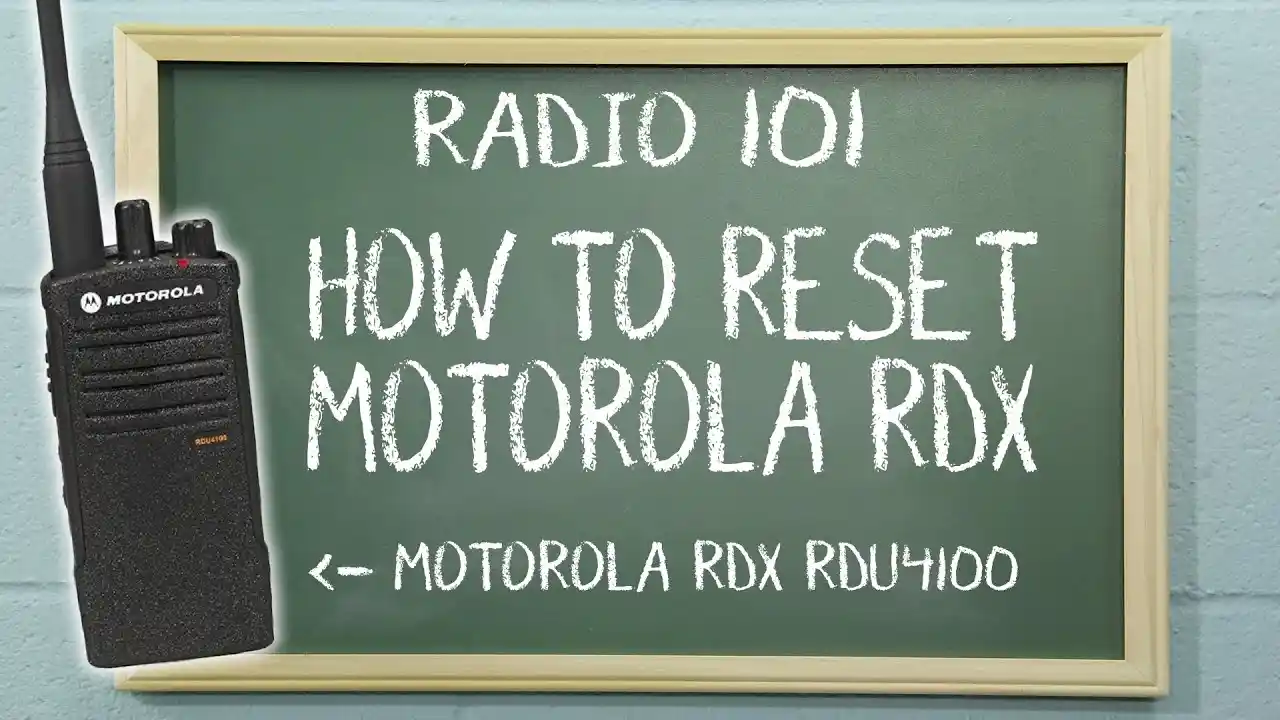
How To Program The Motorola Rdu4100
The RDU4100 is not part of the MOTOTRBO family. I made this mistake early in my career—ordered 20 RDU4100s for a client with an R7 repeater system. Total incompatibility.
Key differences:
- Technology: RDU4100 uses 900 MHz FHSS (frequency-hopping spread spectrum), not fixed frequencies
- Licensing: License-free operation (FCC Part 15), no frequency coordination needed
- Software: Uses DTR Series Radio Configuration Software (not MOTOTRBO CPS)
- Range: Limited to 350,000 sq ft indoor coverage vs. R7’s mile+ range with repeaters
When to choose RDU4100: Small retail stores, restaurants, or schools needing simple push-to-talk without licensing complexity. When to choose R7: Enterprises requiring repeaters, GPS tracking, emergency features, or FCC-licensed frequencies.
The programming process is simpler—no tones, no digital IDs, just group assignments. But you cannot mix RDU4100 and R7 radios on the same system.
Can I Program My Own Motorola Radio?
I get this question weekly. The answer depends on three factors: software access, technical knowledge, and risk tolerance.
Software access: Without legitimate CPS license, you’re stuck. I’ve seen companies waste $500 in labor trying to avoid a $300 software fee.
Technical knowledge requirements:
- FCC Part 90 rules and narrowband compliance
- Repeater offset calculations
- Tone encoding/decoding principles
- Digital ID architecture
- Codeplug backup and recovery procedures
Risks I’ve witnessed:
- FCC violations ($10,000+ fines for unauthorized frequency use)
- Silent failures (radio appears to work but doesn’t)
- Emergency feature misconfiguration (emergency button does nothing)
- Fleet-wide reprogramming after discovering errors
Branching Quiz: Should You Self-Program?
Question 1: Do you have a valid CPS software license?
- Yes → Proceed to Question 2
- No → Recommendation: Professional programming required. Obtain software or hire service.
Question 2: Are you programming more than 10 radios?
- Yes → Recommendation: Professional programming saves time and ensures consistency.
- No → Proceed to Question 3
Question 3: Do you have FCC frequency coordination experience?
- Yes → Self-programming feasible with careful planning
- No → Recommendation: Consult professional to avoid compliance violations
Question 4: Is this for public safety or emergency use?
- Yes → Recommendation: Professional programming mandatory. Lives depend on correct configuration.
- No → Self-programming possible with proper training
I scored “self-program feasible” on my first solo project. I was wrong. The quiz would have saved me three bricked radios.
Have Amerizon Wireless Program Your Radios For You
After programming thousands of radios, I can tell you professional services deliver value far beyond the sticker price.
What included in professional programming:
- FCC compliance review of your frequency license
- Custom codeplug development based on operational interviews
- Fleet cloning and asset tagging by serial number
- User documentation with channel maps and button guides
- 30-day support for post-deployment adjustments
ROI reality check: A 50-radio fleet takes me approximately 16 hours to program, test, and document. At $75/hour loaded cost, that’s $1,200 in internal labor. Amerizon Wireless programs the same fleet for $900 while assuming all compliance risk.
How To Unlock A Locked Motorola Radio
A locked radio is a paperweight. I’ve unlocked hundreds, and the method depends on the lock type.
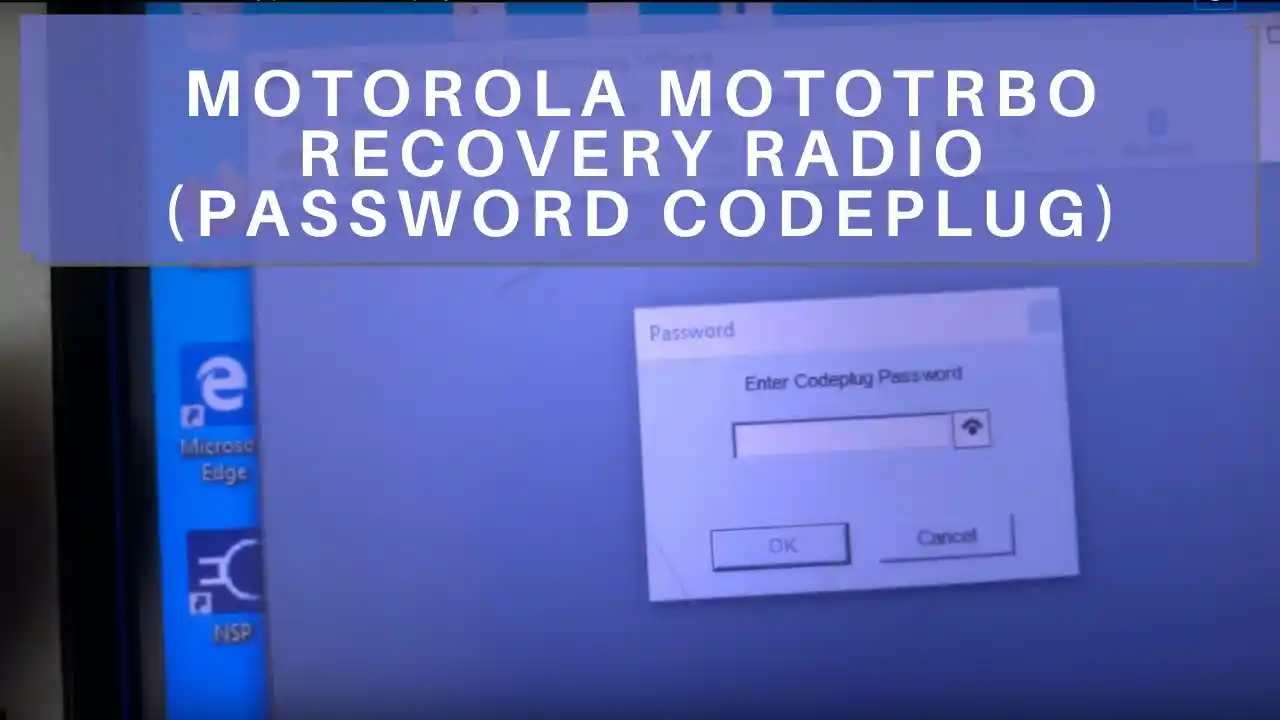
PIN Lock: Connect via CPS, read radio, navigate to General Settings > Security, clear PIN field, write back. Requires CPS access—another reason to maintain software license.
Configuration Lock: Some radios are “dealer-locked” to prevent tampering. Only the locking dealer can unlock. I’ve had clients ship radios back to original dealers for unlocking, costing weeks of downtime.
Factory Reset: In CPS, select Device > Recover. This wipes everything. All data lost. I only use this as last resort when codeplug is corrupted beyond repair.
Critical advice: Maintain a master spreadsheet mapping every radio’s serial number to its latest codeplug file. When a radio locks, you can reprogram a replacement in minutes instead of rebuilding from memory.
Pre-Programming Considerations For The Mototrbo R7
I never start CPS without a written channel plan. Ever. The plan prevents rework and ensures fleet consistency.
Channel Plan Design:
- Document licensed frequencies from FCC authorization
- Assign channel numbers to operational zones (1-10 = Ops, 11-20 = Security)
- Define naming conventions (e.g., “Bldg-A-Ops” not “Channel 1”)
- Leave 20% capacity for future expansion
Zone Structure Planning:
- Zone 1: Daily Operations (primary channels)
- Zone 2: Emergency/Safety (panic channels, all-call)
- Zone 3: Management (private talk groups)
- Zone 4: Maintenance (infrastructure teams)
Talk Group Architecture (Digital):
Map which groups each role needs. Security might require 8 talk groups; warehouse staff might need 3. Over-provisioning talk groups clutters radios and confuses users.
Pre-programming saves post-deployment headaches. I once watched a client reprogram 200 radios because they forgot to include a new warehouse in the original channel plan. The cost exceeded $5,000 in labor alone.
Further Tips For Getting The Most Out Of Your Mototrbo R7 Programming
These advanced techniques separate pros from amateurs.
Template Strategy: Create master codeplugs for each user role. I maintain templates for “Security Supervisor,” “Warehouse Lead,” and “Maintenance Tech.” Clone these instead of starting fresh.
Cloning Workflow: Program one perfect radio. Use CPS “Write” function to clone to remaining fleet. For large deployments, I use a six-unit programming tray that clones simultaneously.
Version Control: Name files “SiteName_Role_v1.3_2025-01-15.xml” Maintain a change log: “v1.3 added Channel 12 for New Wing.” When problems arise, revert to known-good version.
Firmware First: Always update radio firmware before programming. Newer CPS versions require matching firmware. I check firmware under Device > Update Firmware before every programming session.
Master Backup Strategy: Store codeplugs in three places: local laptop, network drive, and cloud storage. Include spreadsheet mapping serial numbers to configurations. When a radio is lost or damaged, I can program a replacement in under 5 minutes.
Can I Program An Emergency Scanner Myself?
Scanning and transmitting are legally distinct activities. I own both scanners and two-way radios, and the rules differ dramatically.
Scanners (like Uniden SDS100) are receive-only. Programming them to monitor public safety frequencies is legal for hobbyists, though some states restrict mobile scanning. Software like FreeSCAN makes programming straightforward.
Motorola R7 is a transceiver. Transmitting on public safety frequencies without authorization is a felony with fines up to $75,000 and prison time.
Legal boundary: Monitoring is generally legal. Transmitting without license is not. The FCC doesn’t care if you “didn’t mean to” key up on a police frequency.
Modern challenge: Many public safety systems use encrypted P25 Phase II. Even scanners can’t decode these. Don’t confuse monitoring capability with authorization to transmit.
Frequently Asked Questions About Motorola R7 Programming
What Is Motorola R7 Programming And How Does It Work?
Motorola R7 programming is the process of writing a codeplug—software configuration—to the radio’s memory. It works by connecting the radio via PMKN4265A cable to a Windows computer running MOTOTRBO CPS, reading the existing configuration, modifying parameters like frequencies and channels, then writing the updated configuration back. This ensures the radio operates on your licensed frequencies with correct features enabled.
What Software Is Used To Program Motorola Radios?
MOTOTRBO Customer Programming Software (CPS) 2.0 or newer is the only authorized software. Access requires a valid license through Motorola Solutions or an authorized dealer. The software runs on Windows 10/11 and provides full control over radio configuration, including frequencies, tones, digital IDs, and feature activation.